Our add-in lets you add images to your signatures. This article explains how to insert images, maximize their quality, and why we sometimes need to adjust their resolution.
How to include images in your signature
In this page, we talked about the signature editor and the possibility to add images. We offer two options: embedded and hosted images.
Both options are easy to use; drag and drop your image file, or scopy and paste the associated URL from a public source.
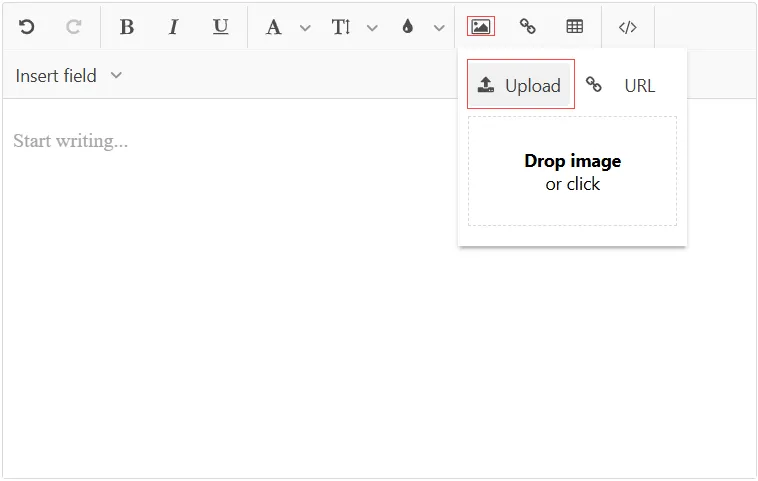
Embedded image
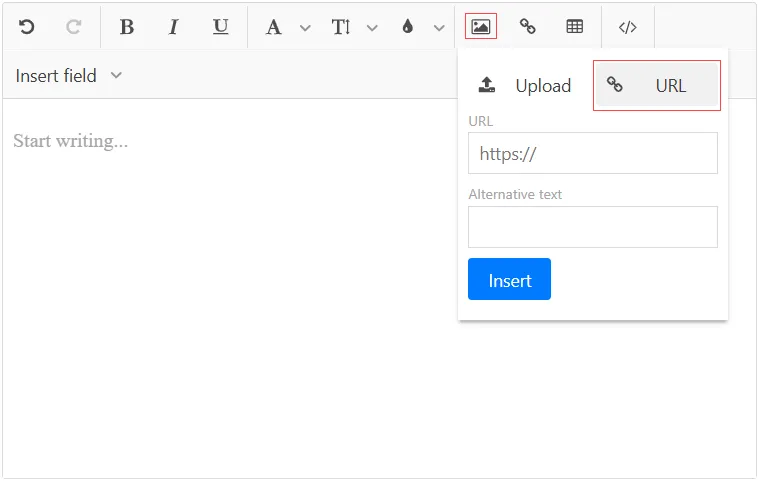
Hosted image
We recommend the first option (embedded image) for the following reasons:
- Embedded images are less likely to be blocked by the recipient’s email client than images downloaded from an external server. Furthermore, they’re directly available in the email, recipients don’t need to click to download them.
- Embedded images are still available when your email client is in Offline mode.
Our tips to create good banners
- Design your banner at the intended dimensions, or at double the size to ensure high quality on high-DPI screens. This lets you preview it at its final display size early in the design process.
- Ensure that the text in your image remains legible, as small images often compromise readability.
- When editing a signature, avoid increasing the size of existing embedded images, as their resolution will not be sufficient for larger dimensions. Instead, upload the image again to use a higher-resolution version.
Image resolution adjustment
As said above, we edit the resolution of embedded images to match the size of the image in the signature.
Keep in mind that we only reduce an image’s resolution if it is more than twice the target dimensions, or if the overall signature size exceeds the Outlook limit. This resolution reduction happens when you save your signature. This process won’t affect the quality of your image since the resolution will remain sufficient for the dimensions specified in your signature.
Why are we doing that?
- Embedded images need to be small to be loaded fast. Since they are embedded in the signature, your signature will take longer to load if the image takes up a lot of space.
- In Outlook, signatures have a data size limit and if the resolution of your images is not modified, this size limit can be exceeded.