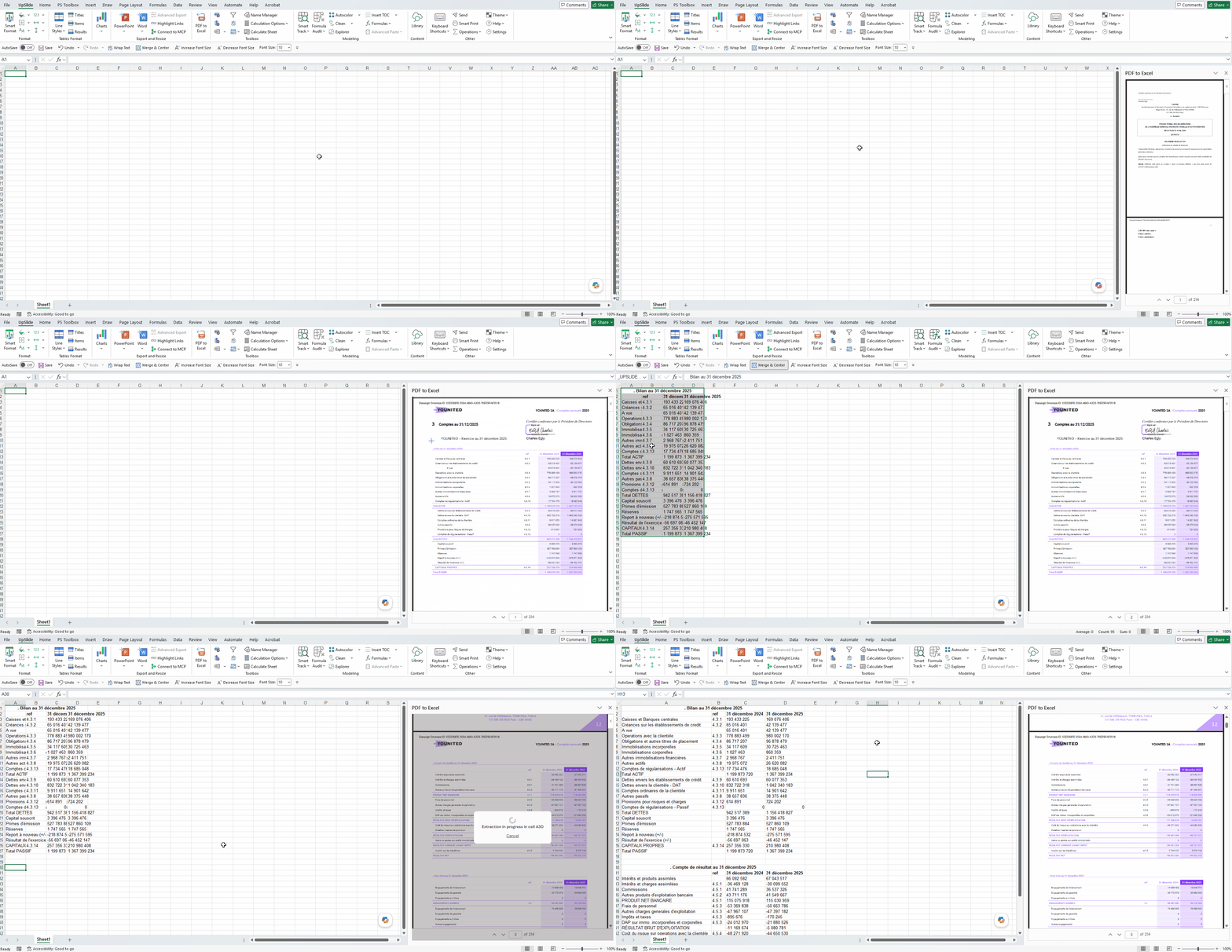
How to export PDF data into Excel
With UpSlide’s PDF to Excel you can easily export large financial data into Excel. To use the PDF to Excel feature you will need access to UpSlide’s AI features. Please contact your account team for more information.
How to export data
- Press on PDF to Excel in the UpSlide ribbon
- Press Open a PDF file and search for the file you want to export
- Select the cell where you want to export the data
- Find the data you want to export in the PDF and screen grab the area on the file using your cursor
- The information will extract to your sheet in your selected cell.