To improve your experience, we have reworked our Portal. Here is a breakdown of those changes.
Overview
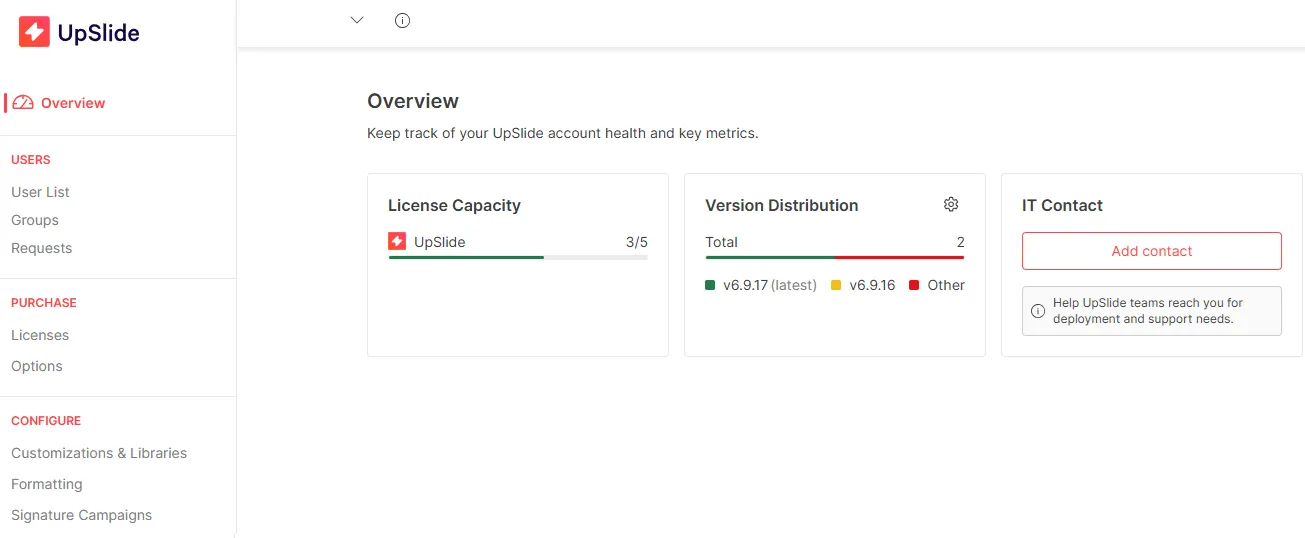
The Overview page helps you keep track of your license capacity and the UpSlide version used by the users. The IT contact is also available immediately and helps us connect with the correct IT person.
Setup & Parameters
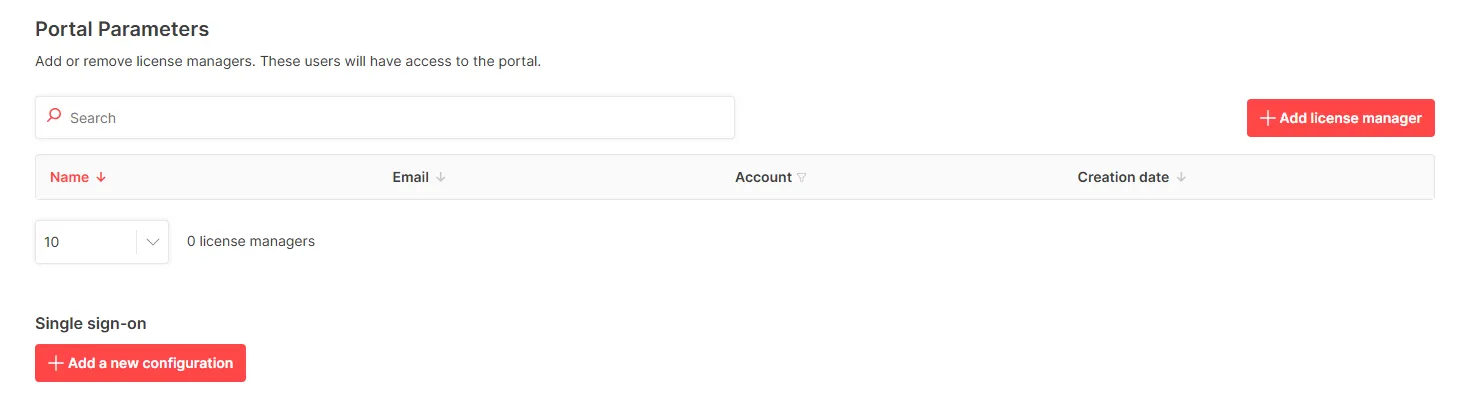
From any page, in the top-right corner, you can access your latest setup and the parameters to manage portal accesses and SSO configuration.

Purchase
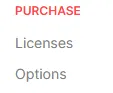
It is now easier to manage and buy additional licenses and options with separate categories.
Configure
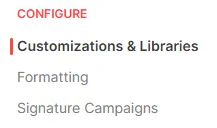
In the Configure menu, you can retrieve your shared paths for Libraries and customization and manage your formatting settings.
If you’re a client of our Outlook Signature, the Signature Campaigns category allows you to manage your campaigns.