Summary
- If you have installed a setup version v6.8.16 or higher, you do not need to take any action.
- In May 2023, we changed our code-signing certificate.
- In April 2023, we released UpSlide v6.8.28, the last version signed with our old code signing certificate. Versions 6.8.29 and onward will only be signed with our new certificate.
- This new certificate must be installed on users’ machines to benefit from auto-update. Without it, they won’t receive improvements and security updates.
- To install this new certificate, we will provide you with a new setup. If you haven’t received a new setup yet, please get in touch with the person in UpSlide in charge of your account.
- Code signing is needed to create a Microsoft Office add-in. Certificate renewal is a routine operation and is required by all certification authorities.
- This will be a one-time event, and in the future, the certificate renewal will be done automatically.
You should deploy the new installer
UpSlide setups sent before December 2022 will continue working for users and not interrupt their work. But your organisation will not be able to receive bug fixes and feature improvements via our update system.
Why install a certificate?
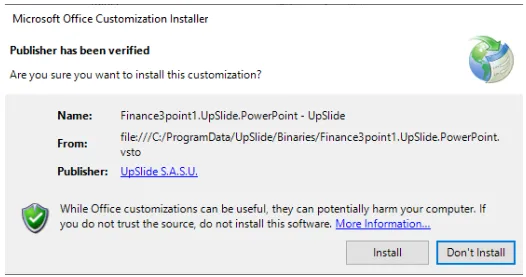
If an Office add-in runs with the code signing certificate not listed in the Trusted Publisher Store, users will be prompted to install it when using the add-in for the first time. Upon seeing this message, many users are rightfully scared and choose not to install it.
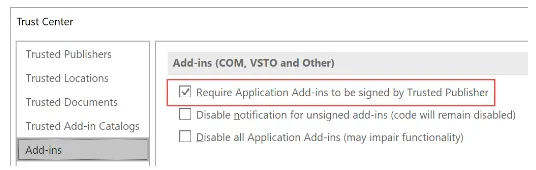
Worse, if the setting below is activated, users will get an error message on the first load, and UpSlide won’t run.