Tutorial videos
Best practices and useful tips and tricks about our top features – regardless of your level of expertise on UpSlide
Tutoriels vidéo
Meilleures pratiques et astuces utiles sur nos principales fonctionnalités – quel que soit votre niveau d'expertise sur UpSlide


Templates and Table of Contents
How to quickly access your company’s prebuilt templates, add sections, and insert an automated table of contents in one click
Modèles de présentation et table des matières automatisée
Accédez rapidement à vos modèles de présentations préconstruites et automatisez votre table des matières en créant des sections et des sous-sections

UpSlide Content Library
How to use the Content Library to locate and insert branded, up-to-date corporate content directly within PowerPoint, Excel or Word
La Bibliothèque : tous vos contenus à jour
Accédez à vos contenus à jour (diapositives corporate, logos, CVs) et des éléments graphiques chartés (diapositives type, tableaux, icônes) directement depuis PowerPoint, Excel et Word
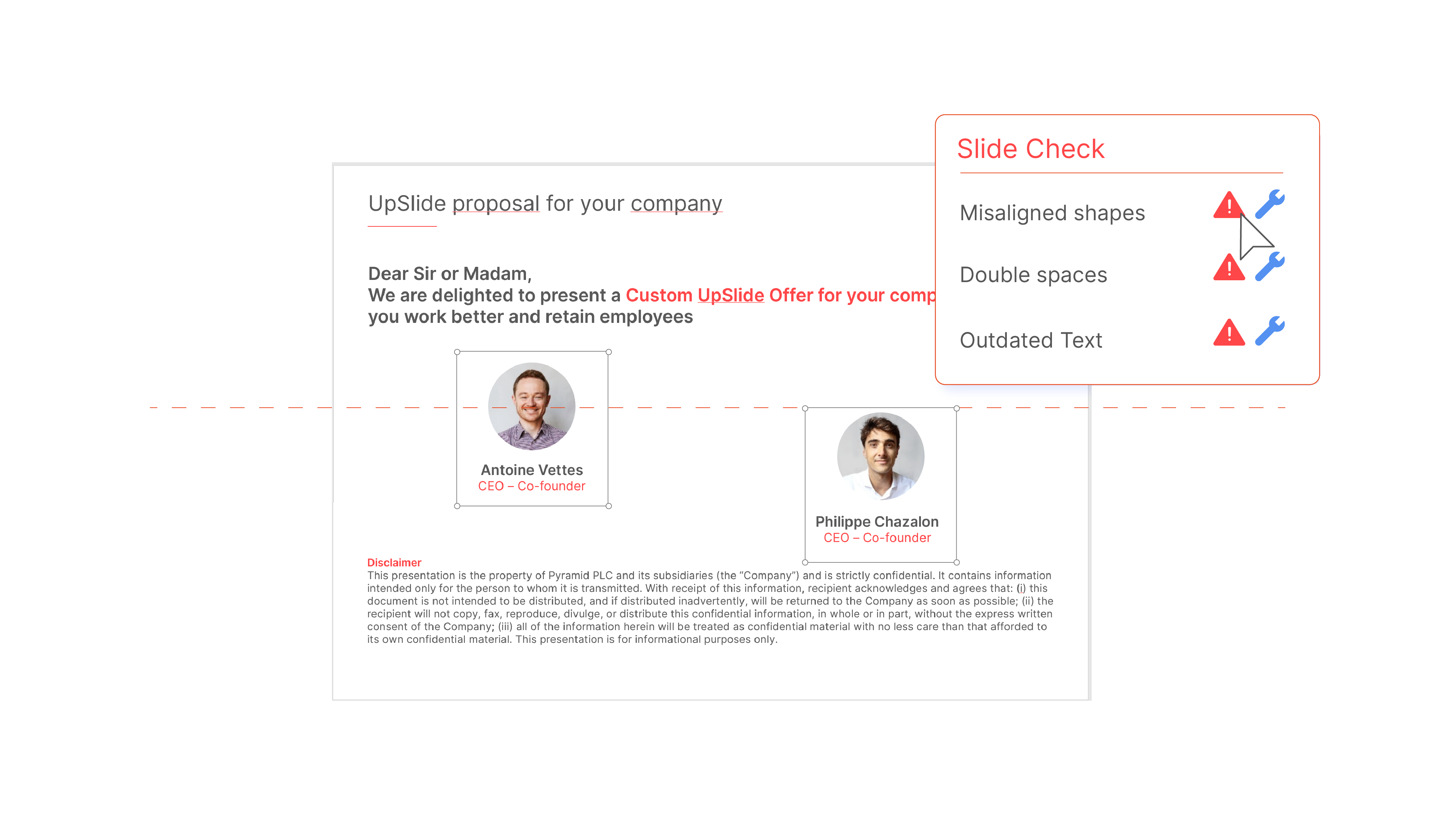
PowerPoint Slide Check
How to use Slide Check to review your presentation, detect common errors and correct them with a single click
Le Slide Check
Vérifiez votre présentation grâce à cet outil capable de détecter les erreurs les plus communes à votre place

PowerPoint Formatting Features
How to use UpSlide’s Formatting Features to easily format, align and arrange text, visuals and shapes
Les fonctionnalités de mise en forme
Alignez et repositionnez rapidement les éléments de votre présentation grâce à nos outils intelligents


Excel Smart Format Feature
How to instantly apply your brand guidelines to tables and charts in Excel using the Smart Format feature
Le Smart Format
Formatez en un clic vos données brutes (tableaux, graphiques) aux couleurs de votre entreprise
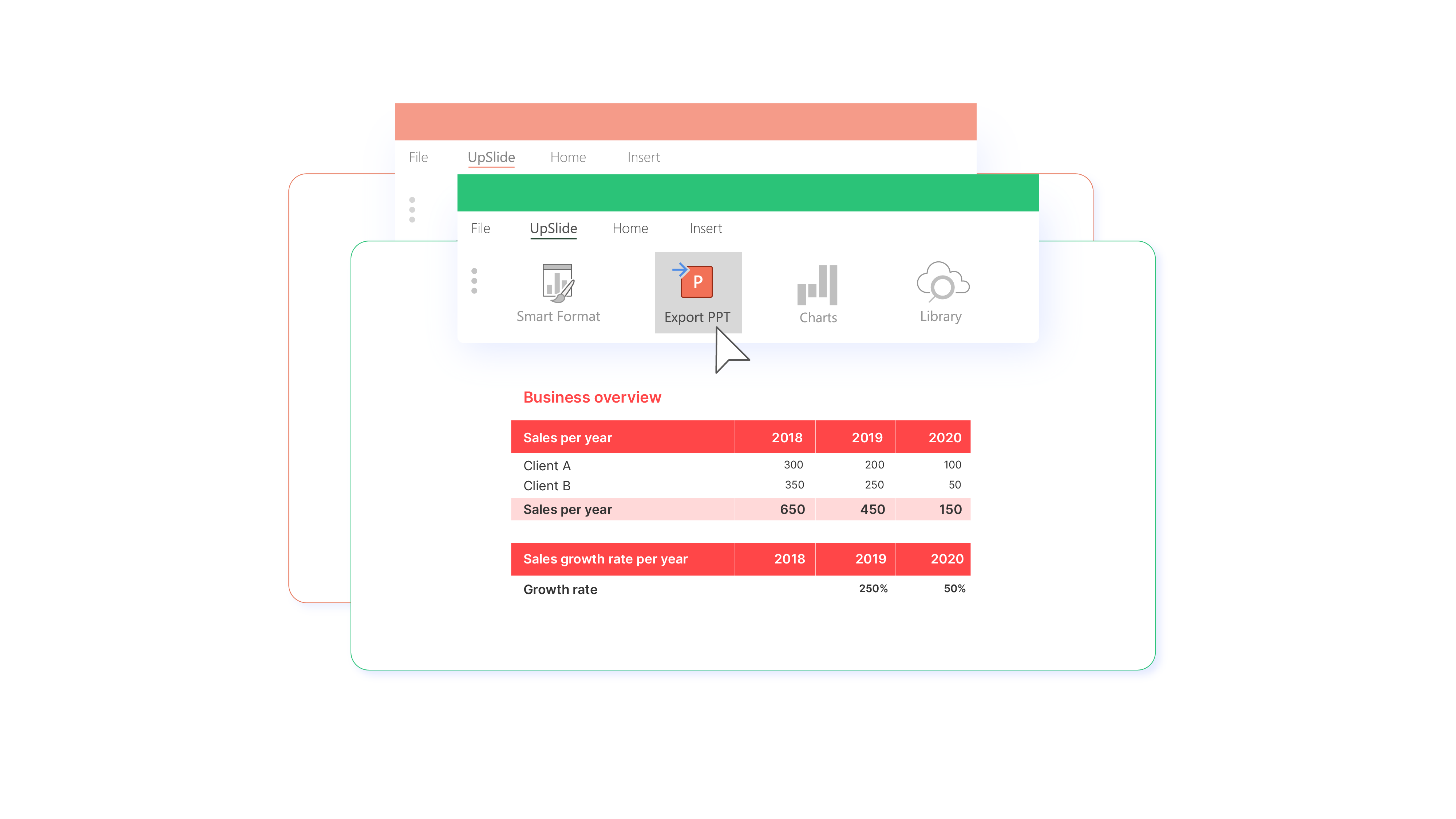
Excel to PowerPoint/Word Link: Basics
How to easily export, link and update Excel charts, tables and text in PowerPoint/Word
Le Lien Excel vers PowerPoint/Word
Exportez facilement vos données Excel vers PowerPoint ou Word et mettez à jour tous vos liens en un clic
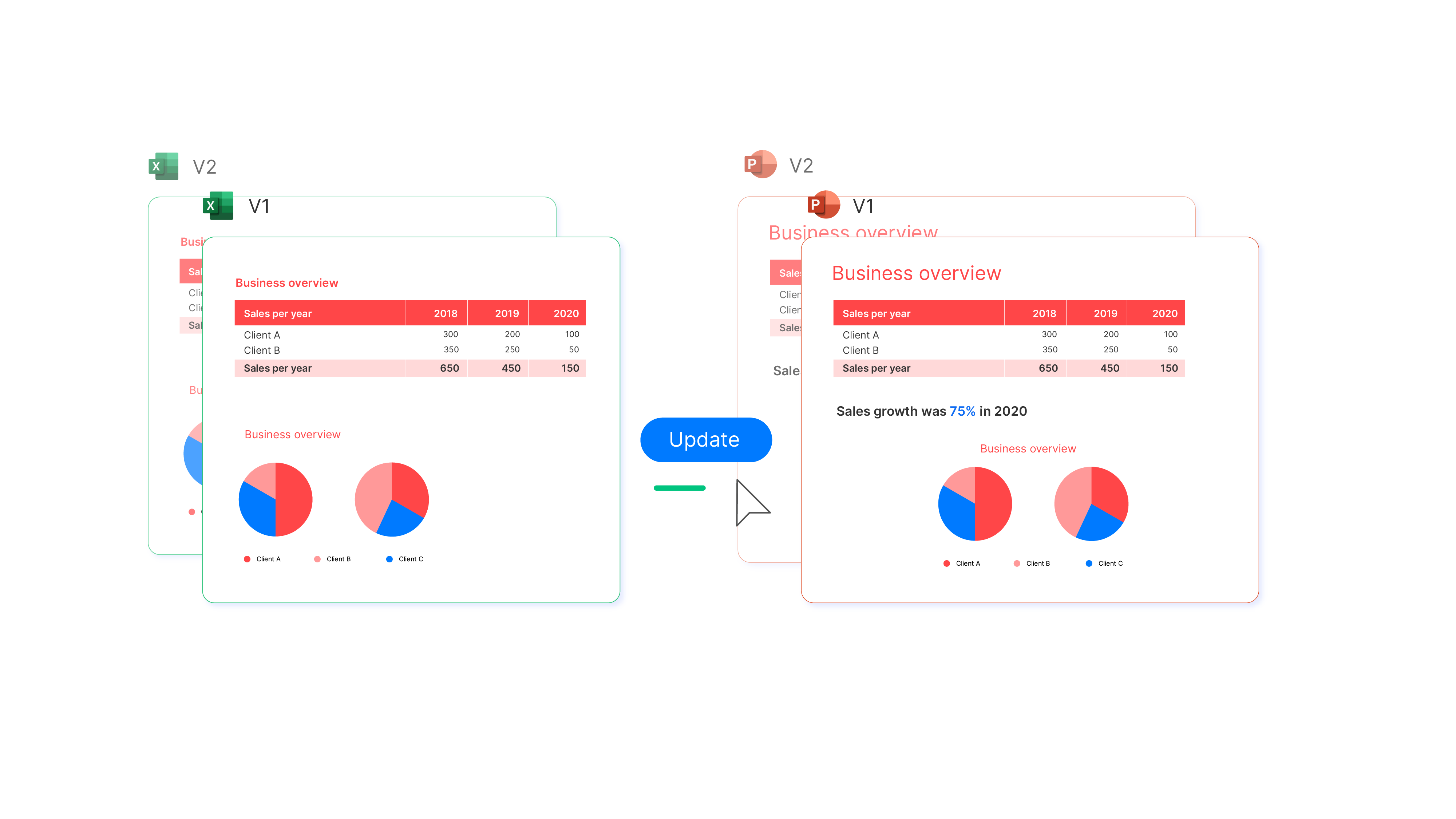
Excel to PowerPoint/Word Link: Advanced
How to make the most of UpSlide’s Excel to PowerPoint/Word Link with some advanced techniques
Le Lien Excel : usage avancé
Maîtrisez les techniques avancées du Lien Excel vers PowerPoint/Word
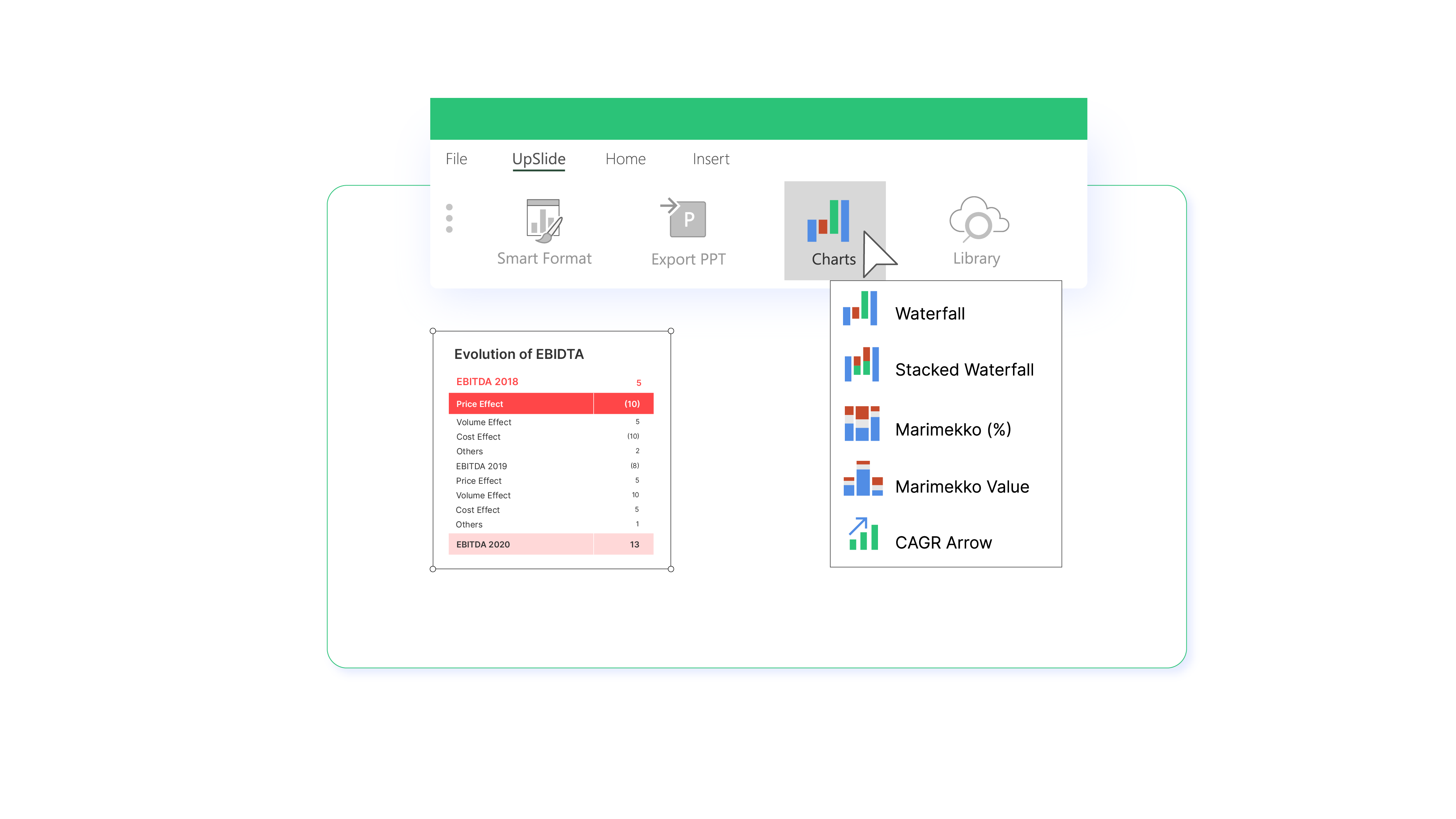
Excel Complex Charts
How to generate and format complex, on-brand charts in Excel with one click
Graphiques complexes
Construisez des graphiques complexes dans Excel en quelques clics

Excel Modeling Tools
How to build and audit high-quality financial models in Excel with UpSlide’s Modeling Tools
Modélisation
Créez des modèles complexes à l’aide d’une palette d’outils dédiés à la modélisation dans Excel
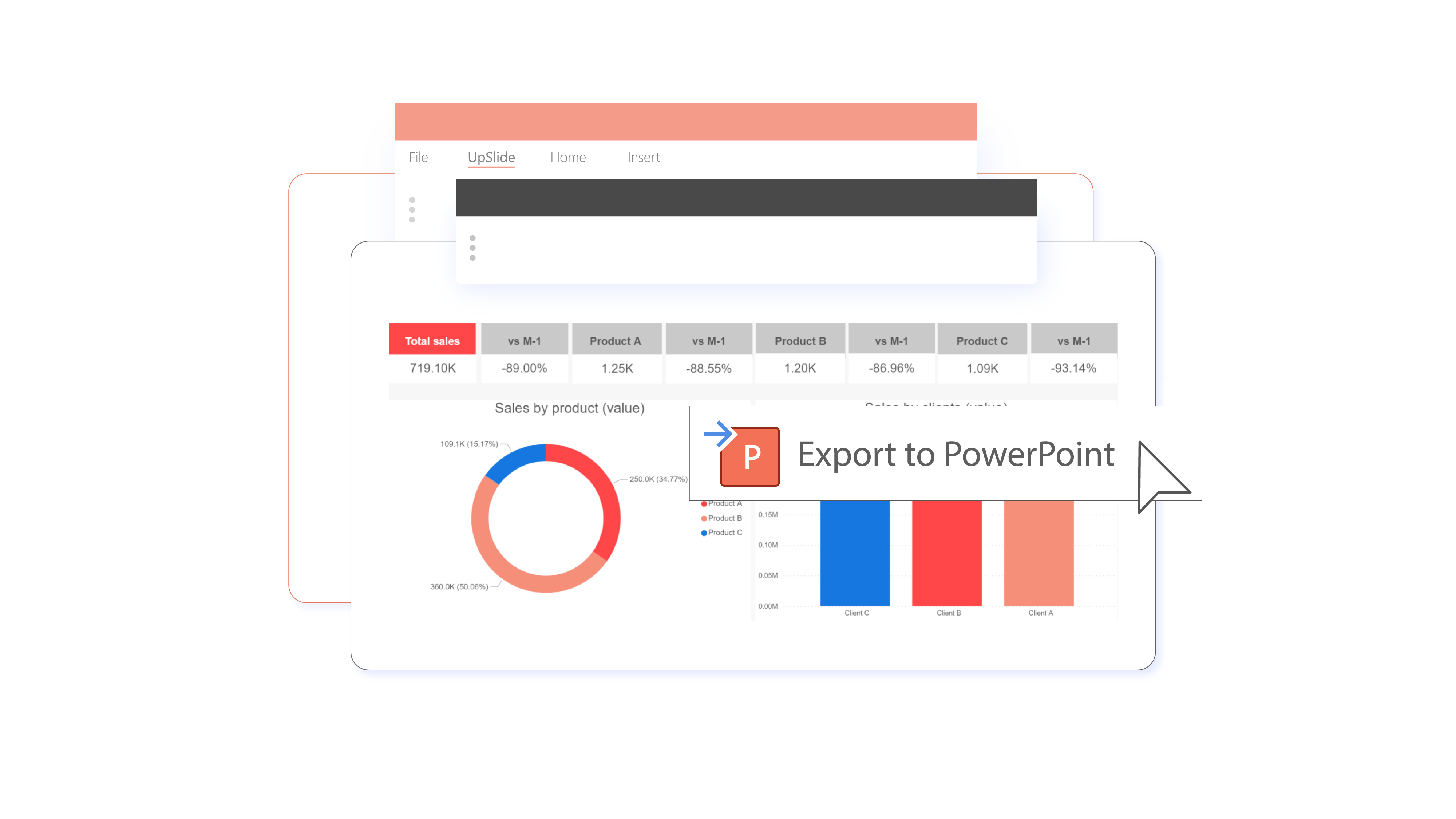

Power BI to PowerPoint/Word Link
How to easily export, link and update Power BI data in PowerPoint/Word
Lien Power BI vers PowerPoint
Exporter vos données Power BI vers PowerPoint et mettez-les à jour en un clic
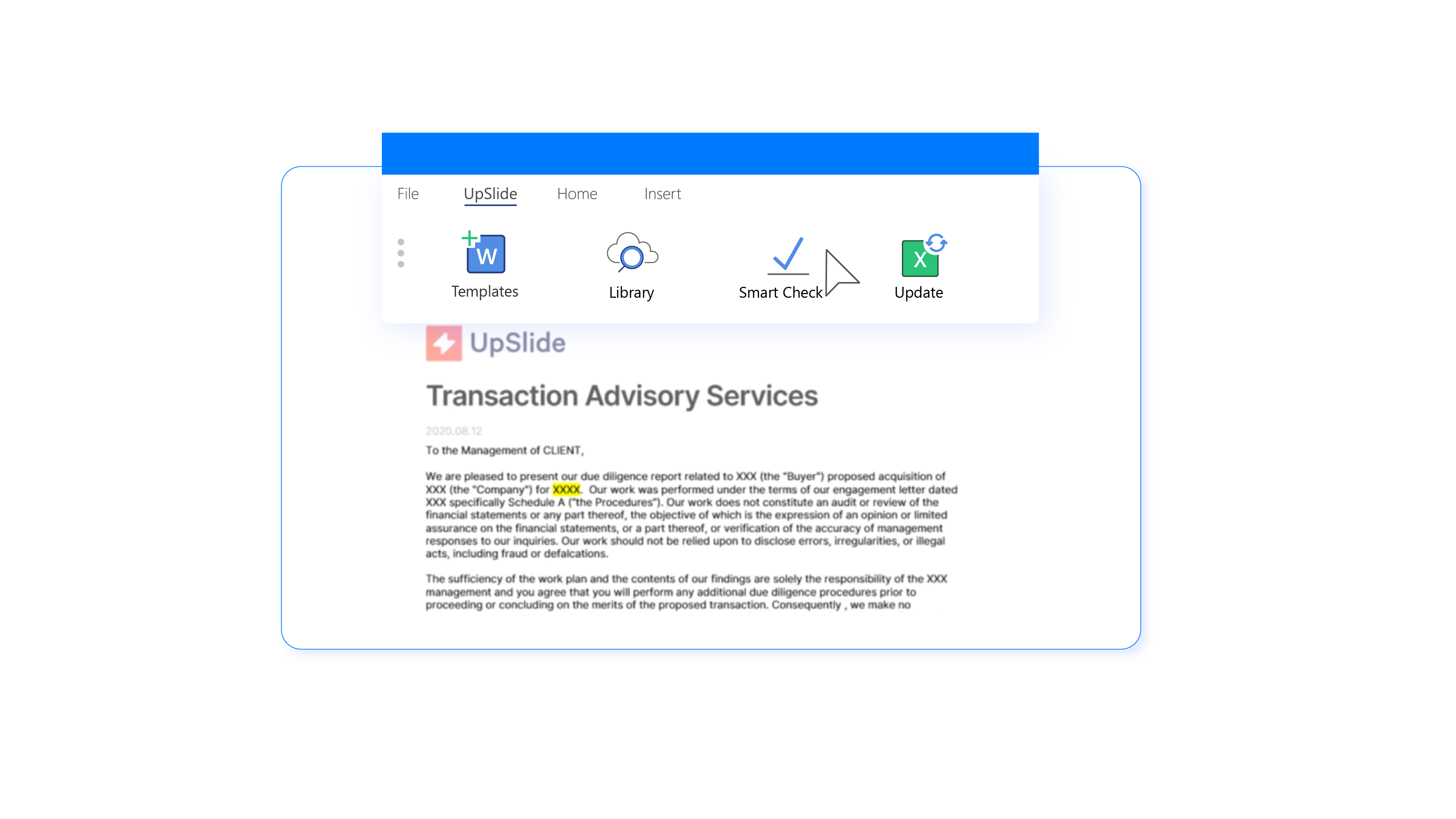

Using UpSlide in Word
How to quickly access templates, format text and numbering and check your document for errors
UpSlide pour Word
Découvrez comment UpSlide vous accompagne dans Word